Built for door manufacturers
A product of Working SoftwarePrice and quote doors faster.
Slab Quotes works in two ways: your sales team prices doors without the spreadsheet, or your customers configure a door on your site and get an instant price — same options, same rules.
Apex Doors
Price this door
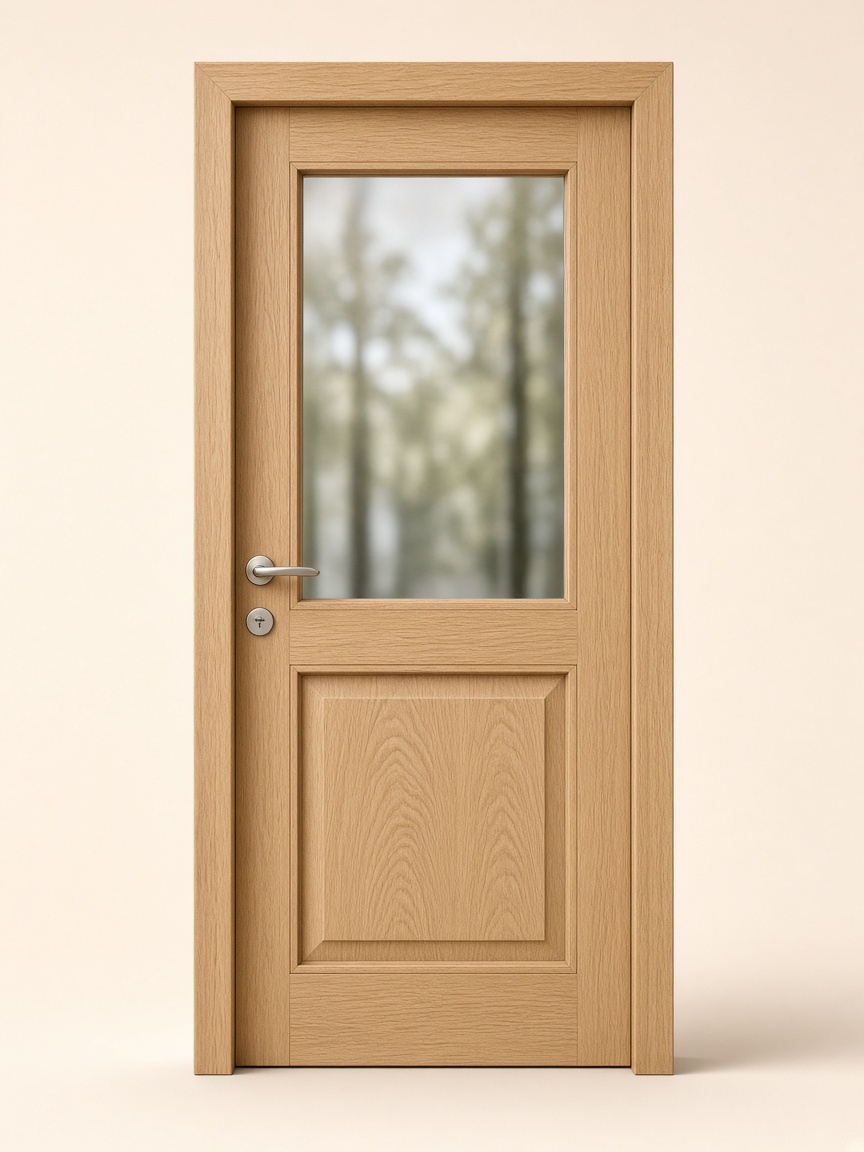
White oak entry
Size
Jamb
Handing
Finish
Hardware
$992
- Up 240x Faster quote rate
- 240
- Down 98% Less time to price a door
- 98
- Down 20% Lower cost to produce a quote
- 20
- Down 60% Shorter sales cycle
- 60
The Problem
The spreadsheet is why quoting is slow.
Every door still gets priced by hand in a sheet. That is why quotes take so long to leave the building.
Every option means rebuilding the sheet
Size, handing, core, finish, and hardware each change the number. Someone opens the spreadsheet again and starts over.
The rules live in one person’s file
Pricing knowledge sits in a workbook only a few people trust. When they are busy, quoting waits.
Two sheets disagree
Sales and estimators price the same door from different files. The quote that goes out is not the number either of them expected.
The quote waits on the sheet
Nothing leaves until the spreadsheet is finished. Customers wait, and the team spends the day on pricing instead of the next door.
Slab Quotes
One product. Two ways to quote.
Use the internal pricing tool, put a customer configurator on your site, or both. Either way, you skip the manual spreadsheet.
Internal
Sales prices doors faster
Your sales and estimating teams price doors for customers (size, handing, finish, and hardware) without rebuilding the number in a spreadsheet. The quote goes out immediately when the customer is ready to buy.
External
Customers get an instant price
Put a configurator on your site. Customers choose the door options themselves and see a starting price. Then, your team receives the order and sends a final price confirmation.
How it works
From catalog to a priced door.
You set the rules once. Every quote after that uses them.
Load your catalog
Upload doors, sizes, finishes, hardware, and the other options you sell.
Set cost and markup
Enter purchase cost and markup for each component. That is the price rule.
Configure, get the price
As a door is built — by sales or by the customer — Slab applies those rules and prices it. No spreadsheet.
Also
Slab Dashboard
A wider view of your quotes and orders when you need more than the quote itself.